A 3D Interactive Osteology Atlas
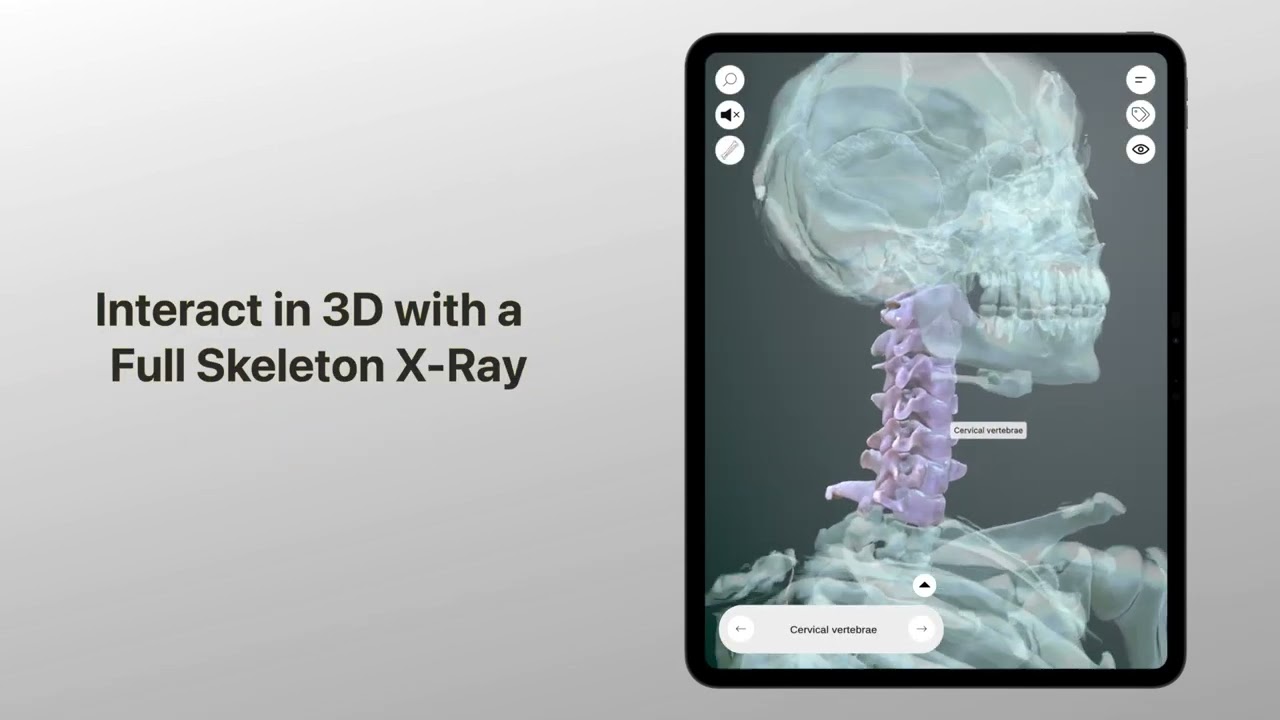
Explore 700+ bone structures with intuitive touch controls, voiceover descriptions, and X-ray mode.
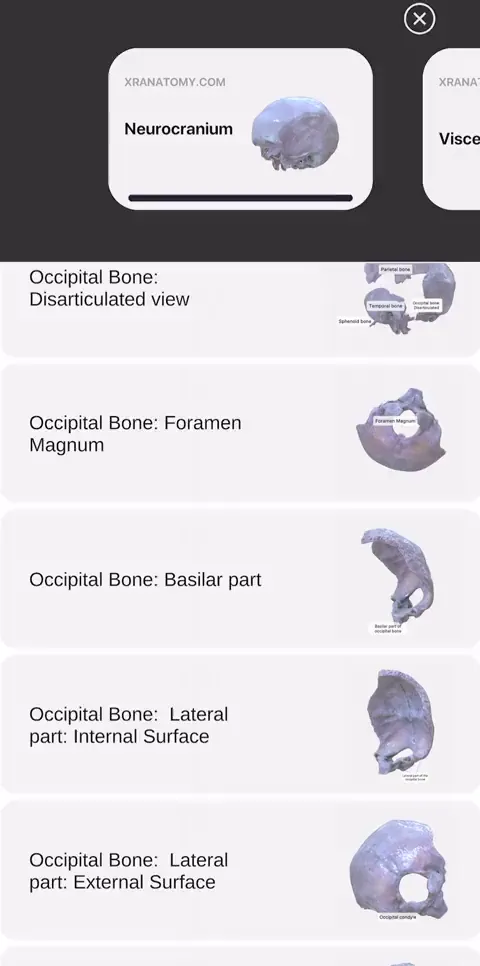
Open Skeleton
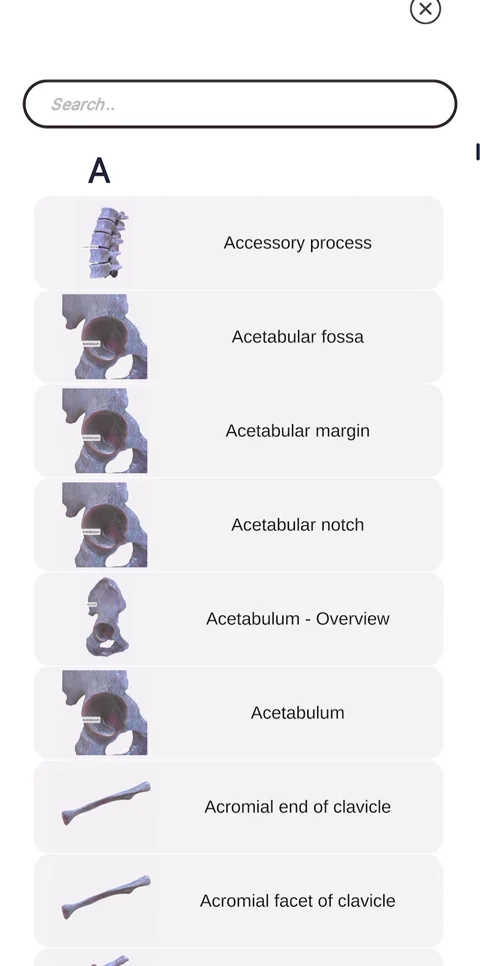
Search Index
Rotate & Explore


What Users Are Saying
"BEAUTIFUL APP, Very Comprehensive. The Developers did a great job! Thank you all so much for this app."
"Excellent"
"So far it has been a PERFECT app! No complaints, no criticisms."
"BEAUTIFUL APP, Very Comprehensive. The Developers did a great job! Thank you all so much for this app."
"Excellent"
"So far it has been a PERFECT app! No complaints, no criticisms."
How It Works
Five steps to explore every bone.
Open the Skeleton
Tap a region to start exploring. The full skeletal system loads instantly, from skull to toes, every bone in stunning 3D detail.
Find Structures Instantly
Search any structure by name via the Index, or browse by region like a classic anatomy atlas. Type a name, tap, and you're there.
Rotate, Zoom, Tap
Inspect from any angle with one finger. Rotate with a swipe, zoom with a pinch, reset with a double tap. Designed for one-handed exploration.
Learn with Labels & Voiceover
Tap any structure for a detailed description. Isolate labels to focus on what matters. Listen to voiceover as you explore.
Read Descriptions
Tap any label to read a detailed anatomical description. Every structure explained in context, no textbook needed.
Download. Explore Anatomy Instantly
700+ bone structures. Voice labels. X-ray mode. One tap to start.
What You Can Explore
Dive into the complete skeletal system with detailed 3D models of every bone.
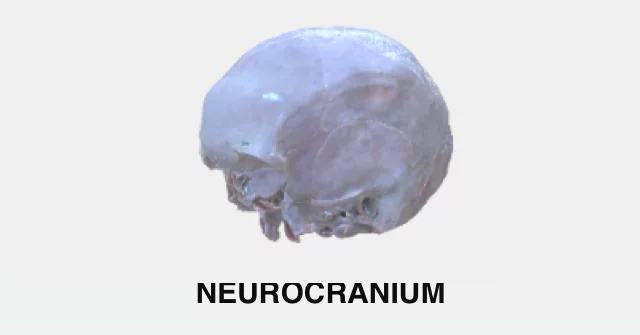
Neurocranium
Explore the bones protecting the brain. Identify sutures, foramina & landmarks
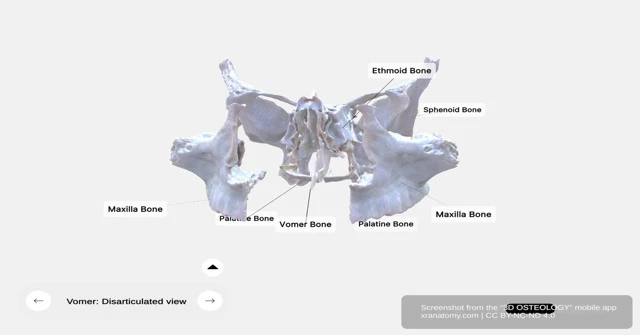
Viscerocranium
Navigate the facial skeleton. Maxilla, mandible, zygomatic & more
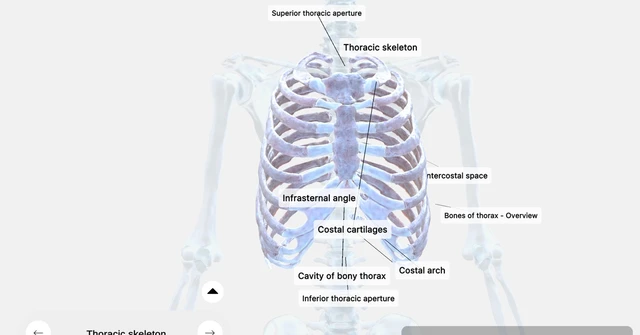
Thorax
Discover ribs, sternum & thoracic landmarks in detail

Upper Limb
From scapula to phalanges. Every bone, every angle
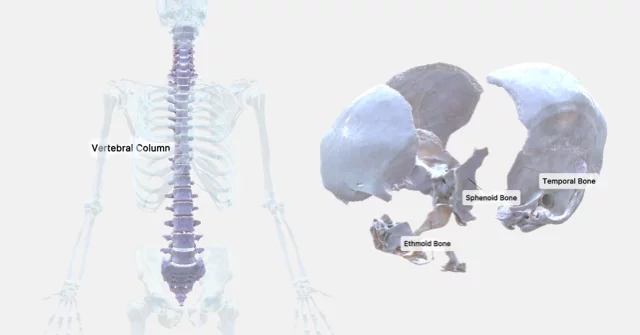
Lower Limb
Pelvis to foot. Explore weight-bearing anatomy
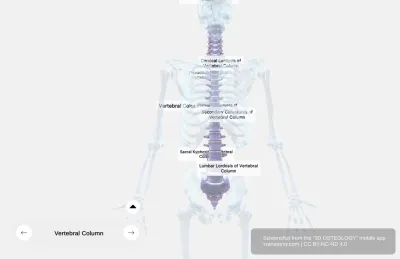
Vertebral Column
Atlas to coccyx. Trace the spine structure by structure